CommandSmith is a menu bar agent. If a shortcut or window action does not respond after installing, check Accessibility permission first.
Create a provider key
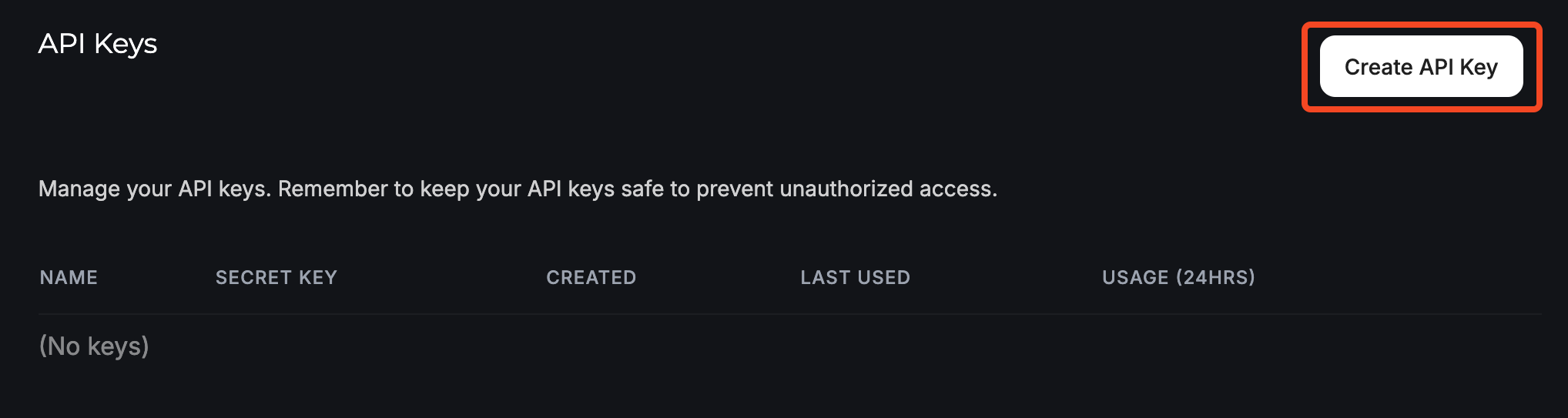
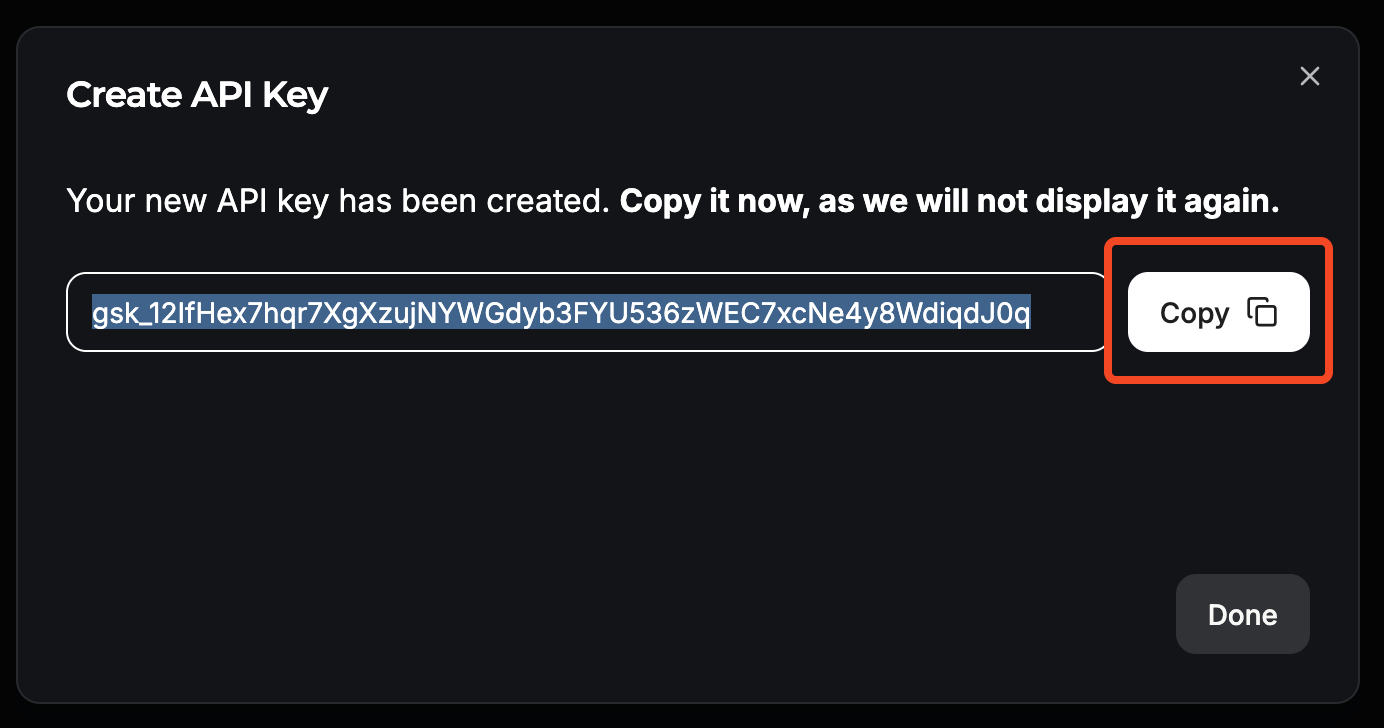
Open your provider dashboard and create an API key for CommandSmith. Groq is a fast free starting point for text actions.
Store the key in CommandSmith
Open CommandSmith Settings, go to AI Processing, select a provider, and paste the key. API keys are stored in Keychain, not in the exported JSON configuration.
Run a text action
Copy text, open the palette, choose an AI action, and let CommandSmith replace or preview the result depending on the action.